Project 02 · Installation · 2025/26

R.E.S.

Rito di Esperienza Sensoriale, a rite of sensory experience. A critical installation on the attention economy: an old computer that overloads you, breaks down, and then lets you go quiet.
Year
2025/26
Role
Design and development of the installation and its website
Concept
Developed with Alessandro Vastano
Course
Design Methodology for Visual Communication · prof. Dionigi Mattia Gagliardi · ABA Roma
Grade
30/30
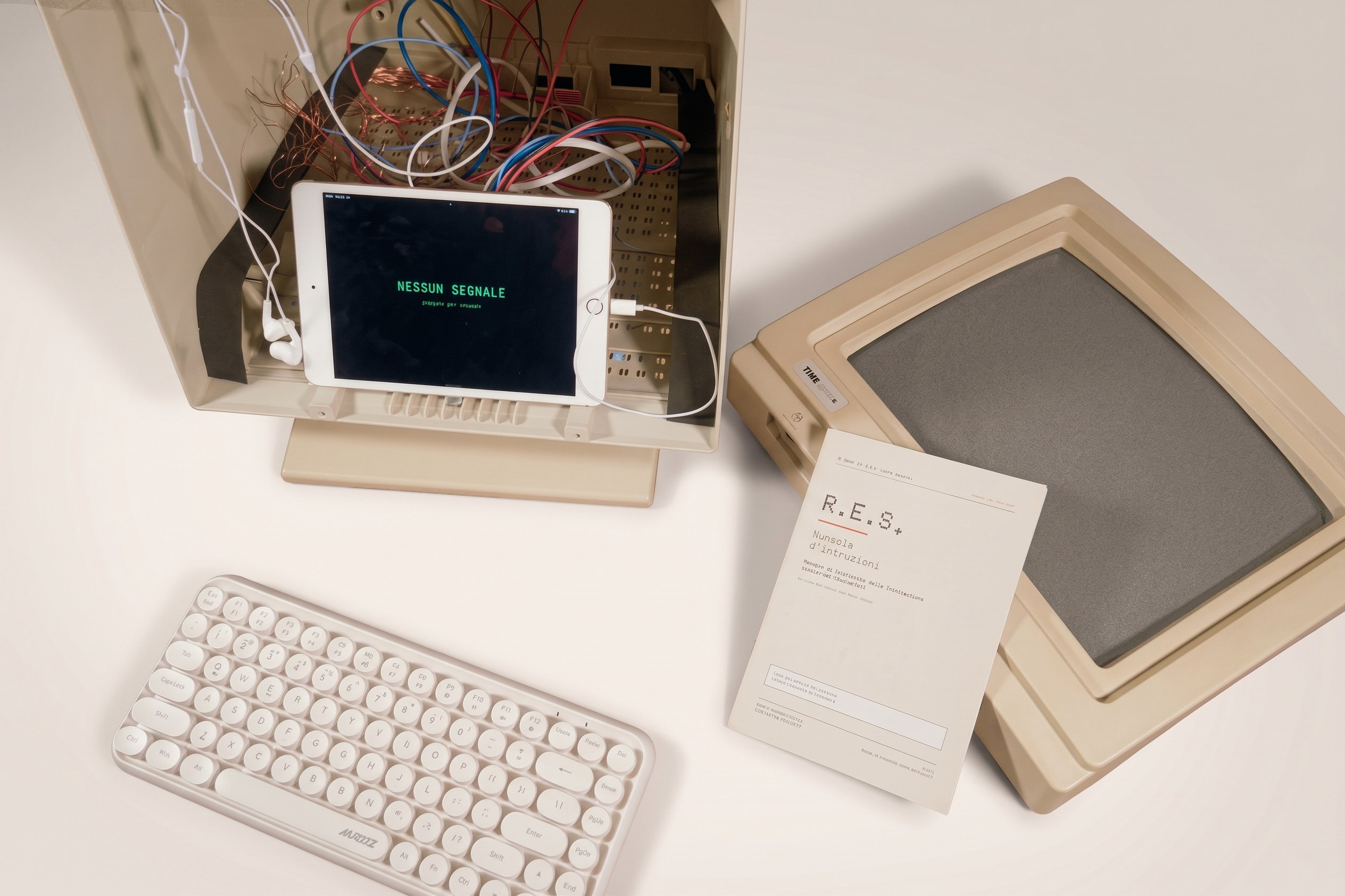
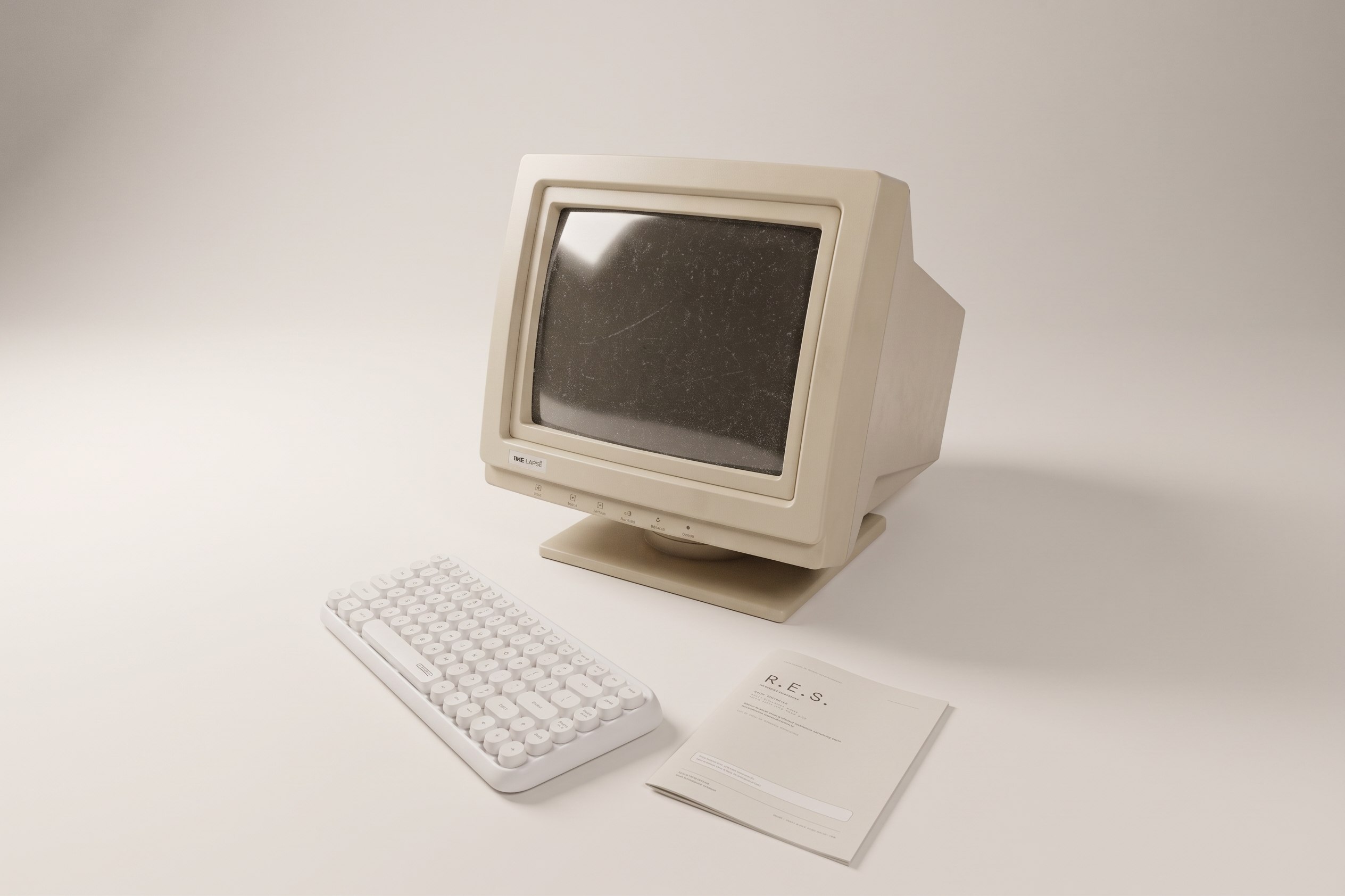
The R.E.S. installation: a beige vintage computer monitor, opened to show an iPad mini inside with the words NESSUN SEGNALE, next to a white keyboard and the printed manual.

The built installation

The problem

Most of our days happen in front of screens, but we rarely live the digital: we undergo it, reactively and automatically.

The approach

Use the language of overstimulation against itself, in three phases that lead from compulsive use to a reflective relationship with the screen.

The result

A built installation: a vintage monitor used as a shell, an iPad mini inside running a website I designed and coded, and a printed manual.

01 · Concept

Through the digital, not away from it

R.E.S. starts from the idea of the digital superstimulus, but turns its goal around: instead of capturing attention, it gives it back. Each phase activates the senses in a different way, until the person stops reacting and starts noticing.

The theoretical core is liminality, the anthropological threshold described by van Gennep and Turner: the state of someone who is "no longer" and "not yet". The three phases are not screens: they are three states of threshold.

The research moved between books on attention (Nicholas Carr, Adam Alter, Catherine Price) and artists who put the screen in question: Nam June Paik, Cory Arcangel, Rafael Lozano-Hemmer, Christian Marclay.
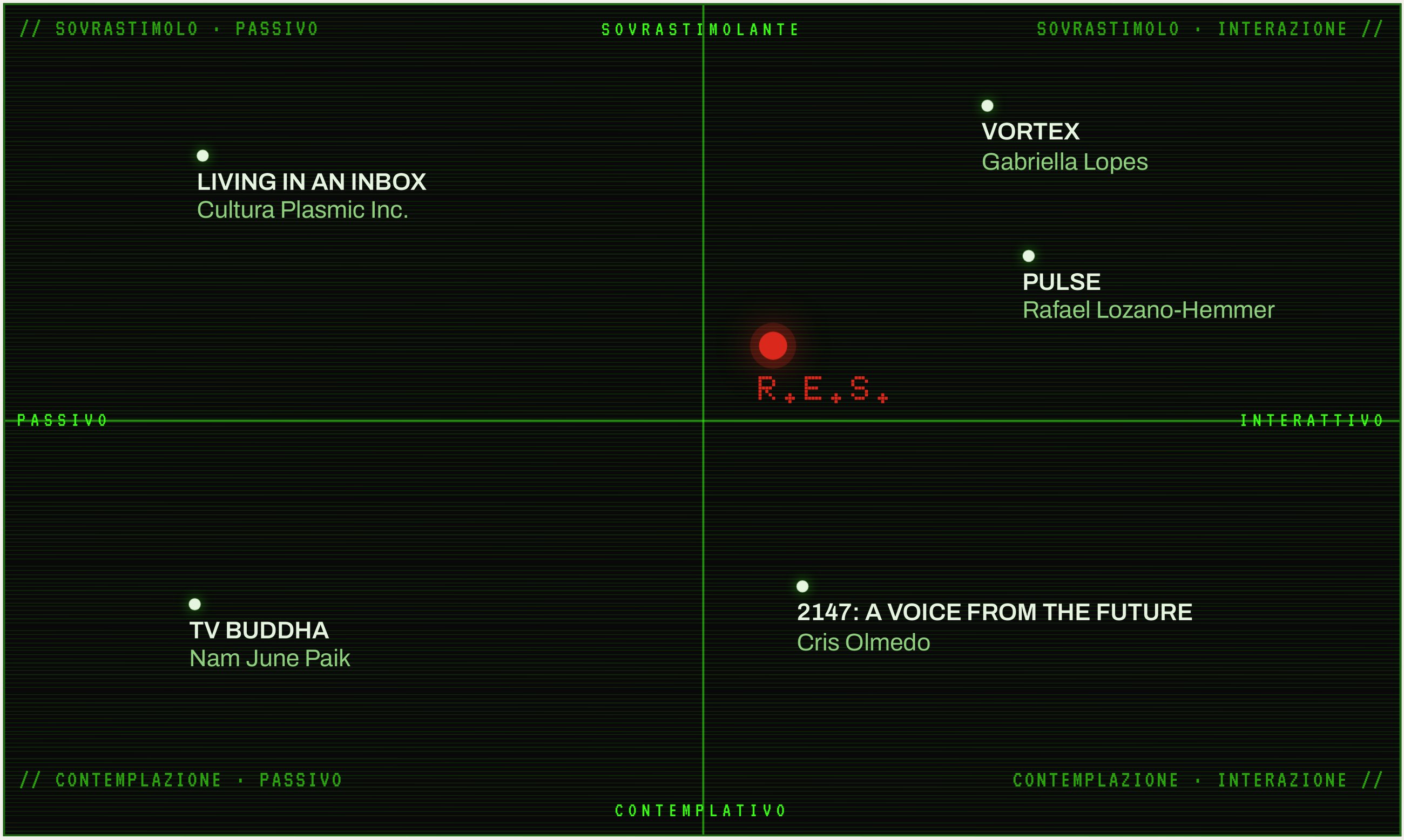
Positioning map on a black terminal-style grid: horizontal axis from passive to interactive, vertical axis from contemplative to overstimulating. Living in an Inbox, Vortex, Pulse, TV Buddha and 2147 are plotted; R.E.S. sits in red near the centre, on the interactive side.

Positioning map · engagement and sensory load
02 · The aim

«Il percorso non abbandona il digitale, ma lo attraversa criticamente.»

The path does not leave the digital behind: it goes through it, critically.

From the concept slide of the exam presentation.

03 · The rite

From overload to quiet, in four screens

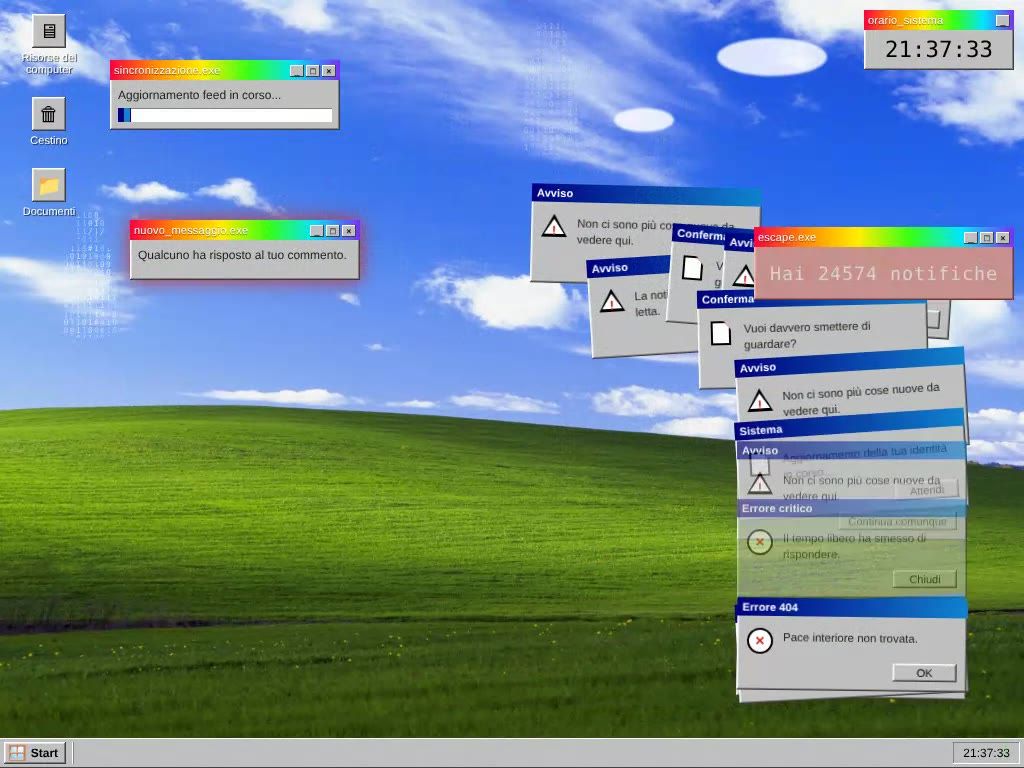
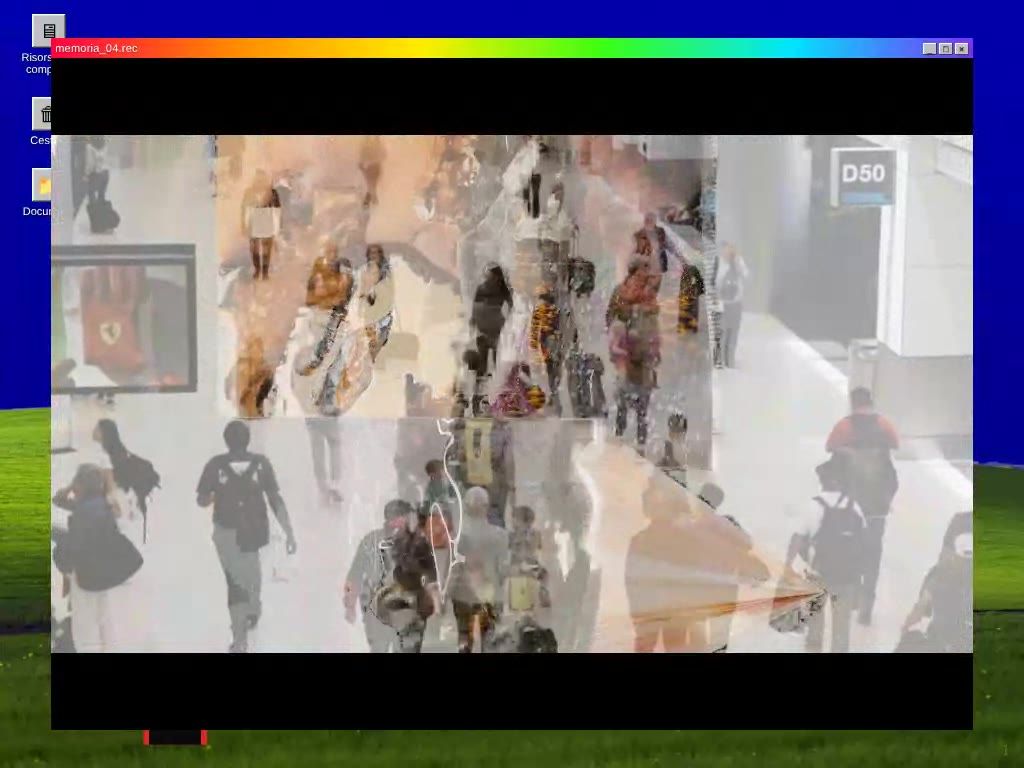
Recorded from the real website, with the reasons behind each look. Choose a phase: the recordings play only when you ask.

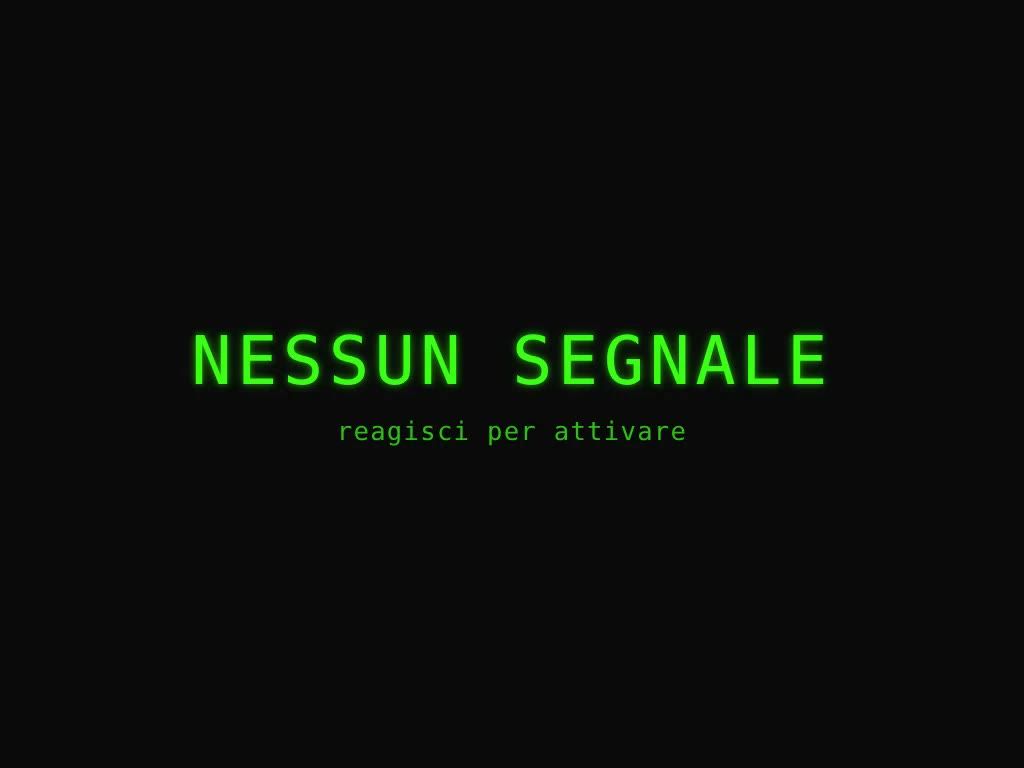
A black screen with green terminal letters: NESSUN SEGNALE, and below, reagisci per attivare.

Nessun segnale

A black screen and two lines in terminal green: nessun segnale, reagisci per attivare, no signal, react to activate. Nothing happens until you touch the keyboard. The rite only begins with a gesture.

Why it looks like this

Nothing is explained in advance: you recognise the digital by yourself. The way in answers Apple's 1984 ad: no hammer against the screen, but a slow gesture that opens it and looks inside.

04 · Try it

Go through the rite yourself

This is the real website that runs inside the installation. It takes about two minutes. Use your keyboard, or tap the screen on a phone or tablet.

Before you start

  • Sound It plays music and notification sounds: headphones are best.
  • Flashing and glitch effects They stay under three flashes per second, the safety limit for photosensitive epilepsy. Skip the demo if flashing light affects you.
  • How to move Press any key, or tap. When a question appears, type an answer and press Enter.
05 · The manual

The rite goes on, on paper

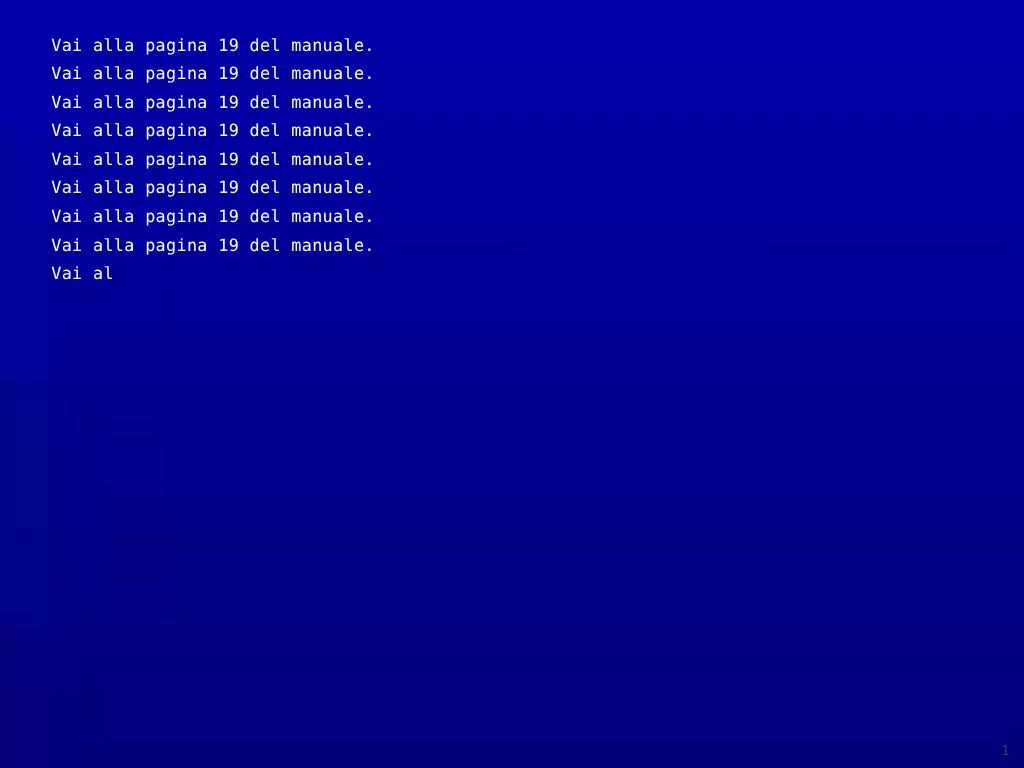
The printed instruction manual that comes with the installation: how to open the rite, what the project is, and on page 19, where the website sends you, the question. Choose a section, or click any page to open the manual right there.

All sections20 pages, A5. Section A tells you how to open the rite; section B explains the project. It ends on the question.
Leaf through the manual

Front cover

Drag a page corner, swipe on a phone, or use the arrow keys.

06 · The name

An acronym that refuses to be used

R.E.S. borrows the language of brandable acronyms, the B=MAP of Fogg, the Hook Model of Eyal, to overturn it from the inside: it looks like a quick, consumable label, but as soon as you try to "use" it, it reveals a rite that can't be reduced.

In Latin, res means thing, possession, economic good; in Roman law a res sacra is something withdrawn from trade. The word that names the project is the same word that names the commodity, and it turns it around.

07 · Type and colour

Four typefaces, four roles

Each typeface plays one part in the system, and never another. Glitch, chromatic aberration and the unstable Handjet are not added to look vintage: they make the failure of technology visible instead of hiding it.

Doto · titles, badges

The mechanism that overstimulates

VT323 · counters, boot

C:\RES\SYSTEM\> RUN READY_

Handjet · only in phase 2

The system that wavers

Archivo · texts to read

The text that really needs to be read.

Phase 1 · Desktop
  • Pantone 485 Cnotification signal · #DA291C
  • Frutiger Aero sky#3A8EE6
  • Hill green#4CAF3F
Phases 2 and 3 · Threshold, Quiet
  • Aged burgundythe red, in the threshold · #4A0E0E
  • Phosphor greenterminal · #39FF14
  • Background black#0A0A0A
  • Warm whitequiet clock · #F2F0EB
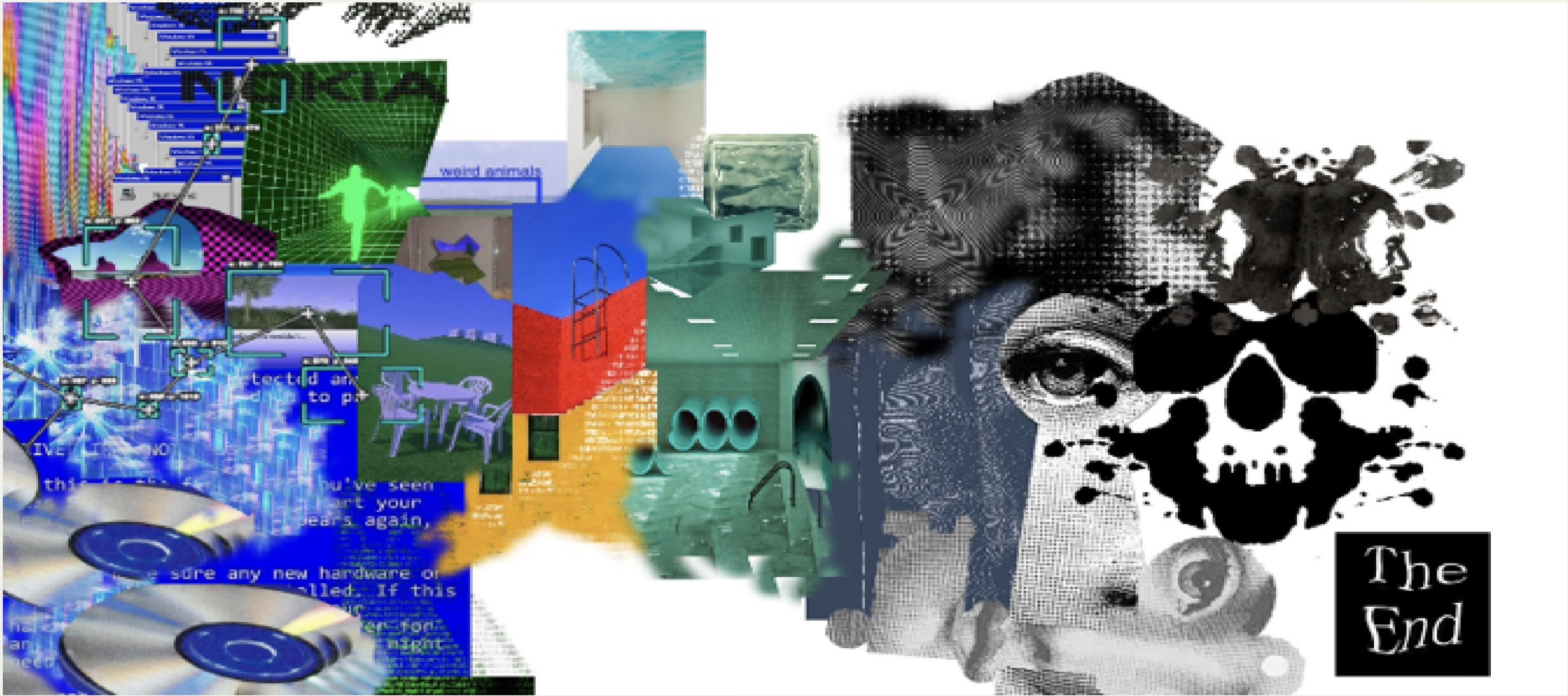
Moodboard collage: pixelated desktop windows, CDs, green 3D figures, weirdcore pools and corridors, a Rorschach-like black stain with a skull, an eye and the words The End.

Moodboard · glitch, Windows XP notifications, weirdcore

08 · The object

Old shell, new electronics

The hardware follows a simple rule: obsolete technology as the container, contemporary electronics hidden inside. A vintage monitor holds an iPad mini in kiosk mode, which runs the website I designed and coded in HTML, CSS and JavaScript, with its sounds and video.

The closest precedents were 2147: A Voice from the Future by Cris Olmedo, an original phone box with modern electronics inside, and Zombitron by Clara Rigaud, which reuses old devices as simple browser clients.

The installation from above: the monitor opened like a box, the iPad mini inside showing NESSUN SEGNALE among coloured wires, the white keyboard, the printed manual and the monitor's front frame set aside.

From above · the screen inside the shell

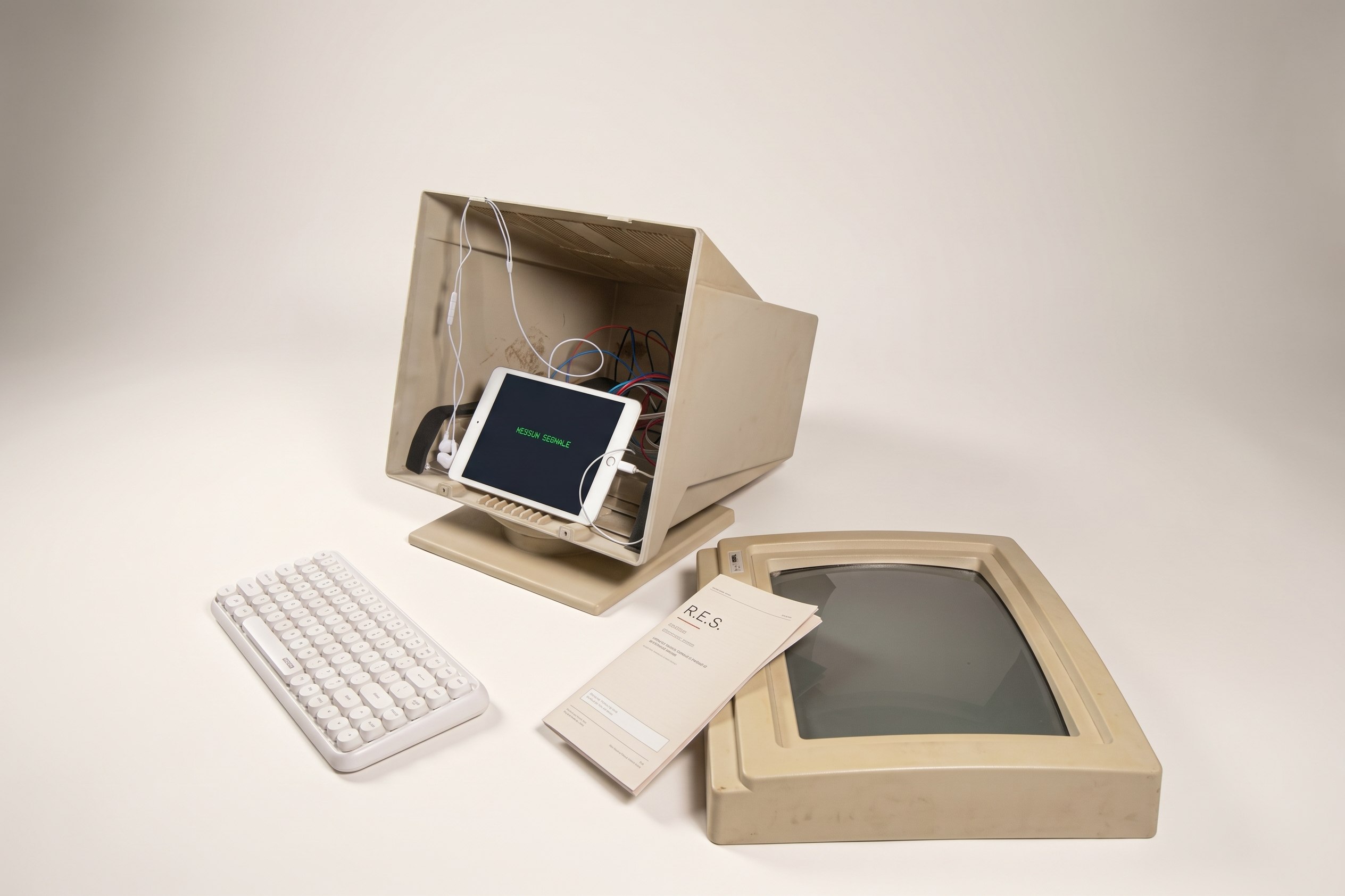
The installation from the side: the opened monitor with the iPad inside, the keyboard, the manual and the empty monitor frame next to it.

The open shell and the empty frame

09 · What I'd change

The interface, with today's hands

When I built R.E.S. I was still learning to code, and the website's graphics show it. Today I would design the interface with the same care as the concept: every dialog, every transition, as deliberate as the three phases.